Loading manual…
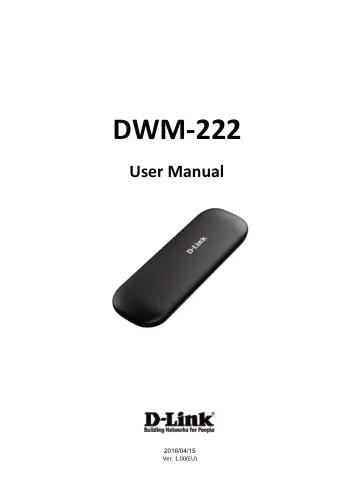
D-Link DWM-222 4G LTE USB Adapter/Dongle user manual
- Type
- User manual
- Language
- English
- Pages
- 23
- Category
- Docks & adapters
- Models
- DWM-222
Open PDFOpens the file on objects.icecat.biz.
Contents
- LTE USB Adapter Introductionp. 3
1. To launch the Network Connect, double-click the shortcut icon on the desktop. It should be noted that: If the PIN code enabled, enter the correct one…
- Internet servicep. 7
1. Connecting with the default connection profile Click to set up the connection; 2. Statistics information The following window will be displayed at lower…
- SMS servicep. 8
Click to enter SMS (Short Message Service) service interface. 1. Creating and sending a message. Click : Input the recipient number by one of the following…
- Contactsp. 12
Click to enter Contacts interface. 1. New Click ; Enter the Name and Mobile, and save it in the (U)SIM card or PC. 2. Searching a contact Click ; Enter…
- USSDp. 15
Click to enter USSD interface. You can add, edit, delete, and send USSD operation. The result of sending will display on the edit box.
- STATISTICSp. 16
Click to enter STATISTICS interface. View various connection statistics.
- Settingsp. 17
Click to list the functions. 1. PIN Management Enable PIN Click Enable PIN; Enter the correct PIN code and click OK. Note: The PIN code should be a…
- FAQsp. 21
1. Q: What shall I do if I cannot connect to the internet? A: Checking Setting and check the Profile is correct to match the (U)SIM card operator. If not, can…
- Technical Specificationsp. 22
GSM Band (GSM/GPRS/EDGE) Quad-band 850/900/1800/1900 MHz Power Class 4 (850/900 MHz) Power Class 1 (1800/1900 MHz) DC-HSPA+/ HSDPA/HSUPA/UMTS 900/2100 MHz…