Loading manual…
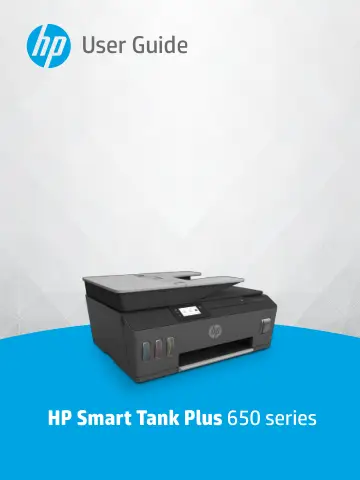
HP Smart Tank Plus 655 Wireless All-in-One Color Printer (Y0F74A) user manual
- Type
- User manual
- Language
- English
- Pages
- 195
- Category
- Printers
- Models
- Y0F74A
Open PDFOpens the file on objects.icecat.biz.
Contents
- Get startedp. 7
Printer parts • Get to know the ink tank system • Control panel features • Change the default paper settings detected by printer • Paper basics • Open the HP…
- Printp. 23
Load media • Print documents • Print photos • Print envelopes • Print using the HP Smart app • Print using the maximum dpi • Print using a Mac desktop or…
- Use Web Servicesp. 39
What are Web Services? • Set up Web Services • Print with HP ePrint • Use the HP Connected website • Remove Web Services ENWW 33
- Copy and scanp. 45
Copy documents • Load original • Scan using the HP Smart app • Scan using the HP printer software • Scan from the printer control panel • Scan using Webscan •…
- Faxp. 57
You can use the printer to send and receive faxes, including color faxes. You can schedule faxes to be sent at a later time and set up phone book contacts to…
- Manage ink and printheadp. 101
This section contains the following topics: • Ink levels • Refill ink tanks • Order ink supplies • Print with black ink only • Improve print quality • Align…
- Connectp. 115
Before you begin • To place the printer in setup mode • Connect your printer to a wireless network with a router • Connect wirelessly to the printer without a…
- Solve a problemp. 129
This section contains the following topics: • Get help with HP online troubleshooting • Get more help • Get help from the printer control panel • Get help from…
- Technical informationp. 173
This section provides regulatory and environmental information for the printer, as well as HP Company notices. The information contained herein is subject to…