Loading manual…
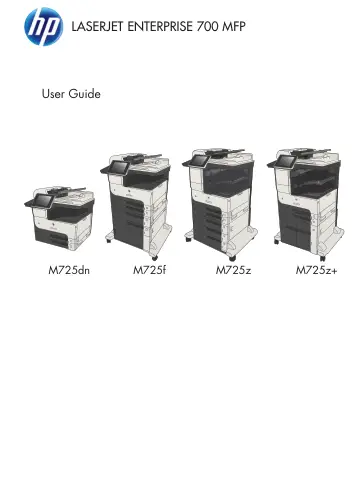
HP CF066A user manual
Open PDFOpens the file on objects.icecat.biz.
Contents
- Product introductionp. 15
Product comparison • Product views • Control panel • Product reports ENWW 1
- Connect the product and install softwarep. 31
Connect the product to a computer by using a USB cable and install the software (Windows) • Connect the product to a network by using a network cable and…
- Input trays and output binsp. 41
Supported paper sizes • Supported paper types • Configure trays • Alternative letterhead mode • Tray 1 • Tray 2 and Tray 3 • 500-sheet trays • 3,500-sheet…
- Parts, supplies, and accessoriesp. 61
Order parts, accessories, and supplies • Toner cartridges • HP anticounterfeit Web site • Print when a toner cartridge is at estimated end of life • Enable or…
- Printp. 83
Supported print drivers (Windows) • Change print-job settings (Windows) • Change print-job settings (Mac OS X) • Print tasks (Windows) • Print tasks (Mac OS X)…
- Copyp. 133
Set new default copy settings • Make a single copy • Make multiple copies • Copy a multiple-page original • Collate a copy job • Staple a copy job • Copy on…
- Scan/sendp. 157
Set up scan/send features • Change default scan/send settings from the product control panel • Send a scanned document to a network folder • Send a scanned…
- Faxp. 181
Configure required fax settings • Configure fax dialing settings • Configure general fax send settings • Configure fax billing codes • Configure default…
- Manage the productp. 211
Configure IP network settings • HP Embedded Web Server • HP Utility (Mac OS X) • Use HP Web Jetadmin software • Economy settings • Product security features •…
- Solve problemsp. 229
checklist • Factors that affect product performance • Restore factory-set defaults • Control-panel help • Paper feeds incorrectly or becomes jammed • Clear…