Loading manual…
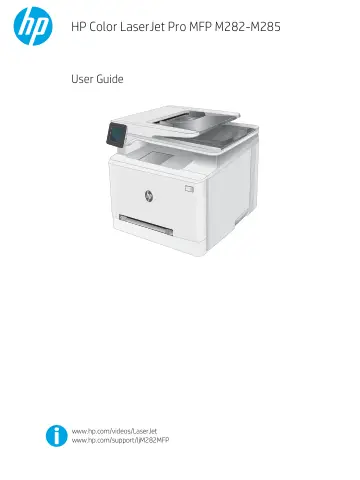
HP LaserJet Pro M283fdw Wireless Multifunction Color Printer (7KW75A) user manual
Open PDFOpens the file on objects.icecat.biz.
Contents
- Printer overviewp. 13
Warning icons • Printer views • Printer specifications • Printer hardware setup and software installation For more information: The following information is…
- Paper traysp. 27
Introduction • Load paper to the single-sheet slot (Tray 1) • Load paper to Tray 2 • Load and print envelopes • Load and print labels For more information: The…
- Supplies, accessories, and partsp. 39
Order supplies, accessories, and parts • Replace the toner cartridges For more information: The following information is correct at the time of publication.…
- Printp. 47
tasks (Windows) • Print tasks (macOS) • Mobile printing • Use walk-up USB printing For more information: The following information is correct at the time of…
- Copyp. 61
Make a copy • Copy on both sides For more information: The following information is correct at the time of publication. For current information, see…
- Scanp. 65
by using the HP Scan software (Windows) • Scan by using the HP Smart Software (macOS) • Set up the Scan to E-mail feature • Set up the Scan to Network Folder…
- Faxp. 81
Set up to send and receive faxes • Send a fax For more information: The following information is correct at the time of publication. For current information…
- Manage the printerp. 93
Use HP Web Services applications (touchscreen models only) • Change the printer connection type (Windows) • Advanced configuration with HP Embedded Web Server…
- Solve problemsp. 107
Customer support • Control panel help system • Restore the factory-set defaults • A “Cartridge is low” or “Cartridge is very low” message displays on the…