Loading manual…
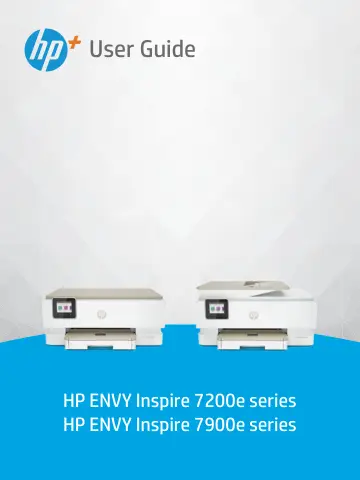
HP Envy Inspire 7220e Wireless All-in-One Color Printer (242P6B) user manual
- Type
- User manual
- Language
- English
- Pages
- 97
- Category
- Printers
- Models
- 242P6B242Q0B2H2N1B2H2P6B349V2B349W0B349W1B
Open PDFOpens the file on objects.icecat.biz.
Contents
- Get startedp. 9
This section describes the printer parts, control panel features, and other printer functionalities. Printer views This topic describes the printer front…
- Connect your printerp. 16
This section describes different ways to connect your printer. Requirements for HP+ printers This topic describes the requirements for HP+ printers. Keep the…
- Load media and paper basicsp. 21
This section describes how to change paper settings and to load different media into the printer. Load paper This topic describes how to load paper, envelope…
- Configure your printerp. 33
This section describes how to configure your printer. Use Web Services The printer offers innovative, cloud-based solutions, such as print anywhere…
- Printp. 39
This printer is designed to work with the HP Smart app, a software application that makes it easy to print, scan, and manage your printer from a smartphone…
- Copy, Scan, and Mobile Faxp. 43
You can scan documents, photos, and other paper types, and send them to a variety of destinations, such as a computer or an email recipient. When scanning…
- Manage cartridgesp. 47
This section describes how to manage and order supplies. To ensure the best print quality from the printer, you need to perform some simple maintenance…
- Solve a problemp. 55
This section suggests solutions to common problems. If the suggestions do not solve the problems, try getting help using one of the support services, see HP…
- HP EcoSolutions (HP and the Environment)p. 79
HP is committed to helping you optimize your environmental footprint and empowering you to print responsibly—at home or in the office. For more detailed…
- Technical informationp. 82
A This section contains the following topics: • Specifications • Regulatory notices • Accessibility • Environmental product stewardship program Specifications…