Loading manual…
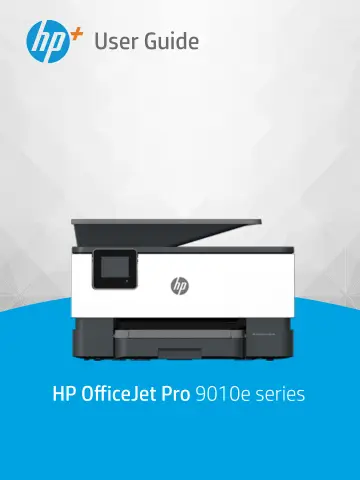
HP OfficeJet Pro 9010e Wireless All-in-One Color Printer (257G4B) user manual
Open PDFOpens the file on objects.icecat.biz.
Contents
- Get startedp. 7
This guide provides details about how to use the printer and how to resolve problems. • Printer parts • Control panel features • Turn the printer off ENWW 1
- Load media and paper basicsp. 16
Load paper • Load an original on the scanner glass • Load an original in the document feeder • Change the default paper size detected by printer • Paper basics…
- Connect your printerp. 34
Your printer supports the following connection types for printing: Wi-Fi, Wi-Fi Direct, Ethernet, and USB. Use HP Smart software and a network connection to…
- Printer management toolsp. 47
Use the HP Smart app to print, scan, and manage • Open the HP printer software (Windows) • Toolbox (Windows) • Embedded web server • Update the printer ENWW 41
- Web Servicesp. 55
What are Web Services? • Set up Web Services • Remove Web Services ENWW 49
- Printp. 58
This printer is designed to work with the HP Smart app, a software application that makes it easy to print, scan, and manage your printer from a smartphone…
- Copy and scanp. 70
You can scan documents, photos, and other paper types, and send them to a variety of destinations, such as a computer or an email recipient. When scanning…
- Faxp. 84
You can use the printer to send and receive faxes, including color faxes. You can schedule faxes to be sent at a later time within 24 hours and set up phone…
- HP Digital Solutions (Windows 7)p. 132
The printer includes a collection of digital solutions that can help you simplify and streamline your work. These digital solutions include the following: • HP…
- Manage cartridgesp. 142
To ensure the best print quality from the printer, you need to perform some simple maintenance procedures. TIP: If you have problems copying documents, see…
- Solve a problemp. 153
The information in this section suggests solutions to common problems. If your printer is not operating correctly and these suggestions did not solve your…
- HP EcoSolutions (HP and the Environment)p. 192
HP is committed to helping you optimize your environmental footprint and empowering you to print responsibly—at home or in the office. For more detailed…
- Technical informationp. 197
Specifications • Regulatory notices • Environmental product stewardship program ENWW 191