Loading manual…
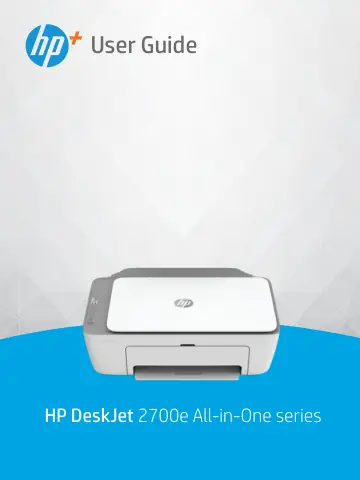
HP DeskJet 2720e Wireless All-in-One Color Printer (26K67B) user manual
Open PDFOpens the file on objects.icecat.biz.
Contents
- Printer partsp. 7
Printer overview • Control panel features • Control panel lights and display icons status • Print reports from control panel ENWW 1
- Load media and paper basicsp. 17
Load media • Load original • Change the default paper size detected by printer • Paper basics ENWW 11
- Connect your printerp. 25
Your printer supports the following connection types for printing: Wi-Fi, Wi-Fi Direct, Ethernet, and USB. Use HP Smart software and a network connection to…
- Printer management toolsp. 37
This section contains the following topics: • Use the HP Smart app to print, copy, scan, and troubleshoot • Open the HP printer software (Windows) • Toolbox…
- Printp. 47
This printer is designed to work with the HP Smart app, a software application that makes it easy to print, scan, and manage your printer from a smartphone…
- Copy and scanp. 57
You can scan documents, photos, and other paper types, and send them to a variety of destinations, such as a computer or an email recipient. When scanning…
- Manage cartridgesp. 67
This section contains the following topics: • Information on cartridges and the printhead • Check estimated ink levels • Order ink supplies • Replace…
- Web Servicesp. 77
What are Web Services? • Set up Web Services • Remove Web Services ENWW 71
- Solve a problemp. 81
This section contains the following topics: • Get help from the HP Smart app • Get help in this guide • HP support ENWW 75
- HP EcoSolutions (HP and the Environment)p. 103
HP is committed to helping you optimize your environmental footprint and empowering you to print responsibly—at home or in the office. For more detailed…
- Technical informationp. 105
The technical specifications and international regulatory information for the HP DeskJet 2700e series are provided in this section. For additional…