Loading manual…
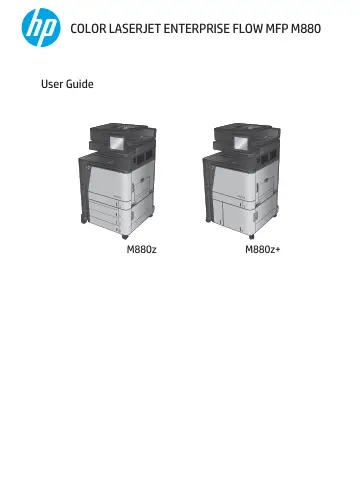
HP LaserJet Enterprise Flow M880z Multifunction Color Printer (A2W75A) user manual
Open PDFOpens the file on objects.icecat.biz.
Contents
- Product introductionp. 11
Product comparison • Product views • Finishing accessory views • Product hardware setup and software installation For more information: In the US, go to…
- Paper traysp. 25
Configure trays for paper type and size • Load Tray 1 • Load Tray 2 • Load the 3x500-sheet trays • Load the 3,500-sheet high-capacity tray • Configure the…
- Parts, supplies, and accessoriesp. 43
Order parts, accessories, and supplies • Replace the toner cartridges • Replace the imaging drums For more information: In the US, go to…
- Printp. 53
tasks (Windows) • Print tasks (Mac OS X) • Store print jobs on the product • Mobile printing • Print from the USB port For more information: In the US, go to…
- Copyp. 75
Make a copy • Copy on both sides (duplex) • Optimize copy quality for text or pictures For more information: In the US, go to…
- Scan/sendp. 81
Set up scan/send features • Create a Quick Set • Send a scanned document to a network folder • Send a scanned document to one or more email addresses • Use the…
- Faxp. 97
Set up fax • Change fax configurations • Send a fax For more information: In the US, go to www.hp.com/support/colorljflowMFPM880. Outside the US, go to…
- Manage the productp. 105
HP Embedded Web Server • HP Utility for Mac OS X • HP Web Jetadmin • Economy settings • Product security features • Software and firmware updates For more…
- Solve problemsp. 115
Restore factory-set defaults • Control panel help system • A “Cartridge is low” or “Cartridge is very low” message displays on the product control panel •…