Loading manual…
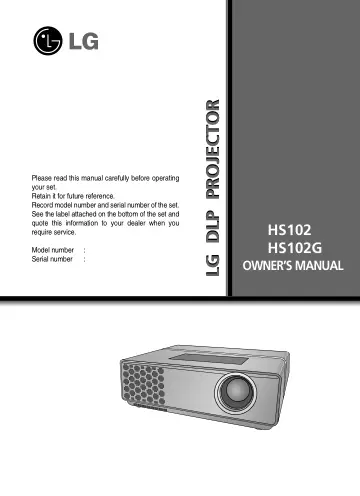
LG HS102 user manual
- Type
- User manual
- Language
- English
- Pages
- 42
- Category
- Projectors
- Models
- HS102
Open PDFOpens the file on gscs-b2c.lge.com.
Contents
- OWNER’S MANUALp. 1
LG DLP PROJECTOR LG DLP PROJECTOR Please read this manual carefully before operating your set. Retain it for future reference. Record model number and serial…
- DLP PROJECTORp. 2
Warning This is a class A product. In a domestic environment this product may cause radio interference, in which case the user may be required to take adequate…
- Safety Instructionsp. 4
Safety Instructions Please take note of the safety instructions to prevent any potential accident or misuse of the projector. ➟Safety Instructions are given in…
- Names of partsp. 7
Names of parts Main Body Connecting Part * The projector is manufactured using high-precision technology. You may, however, see on the Projector screen tiny…
- Installing and Compositionp. 11
Installing and Composition Provide proper ventilation for this projector. GThe projector is equipped with ventilation holes(intake) on the bottom and…
- Connectionp. 17
Connection Connecting to a Desktop PC * You can connect the projector to a computer of VGA, SVGA, XGA and SXGA output. * Refer to page 39 for the supported…
- Functionp. 19
Function Video Menu Options * In this manual, the OSD(On Screen Display) may be different from your Projector’s because it is just an example to help with the…
- USBp. 32
* When you connect a USB device, this screen is displayed, automatically. In USB device, you can not add a new folder or delete the existing folder.…
- Informationp. 39
Supported Monitor Display Component-*1 RGB(DTV)-*2 Signal <DVD/DTV Input> * Cable type 1- RGB to Component Cable 2- Computer Cable * Recommended 720p for a…