Loading manual…
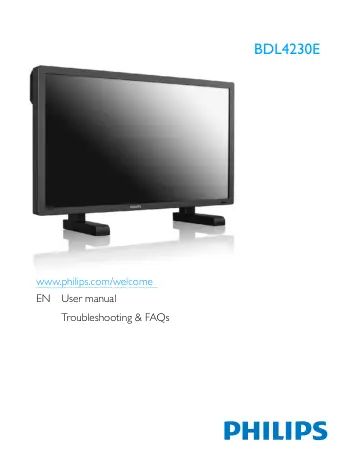
Philips Signage Display BDL4230E/00 user manual
- Type
- User manual
- Language
- English
- Pages
- 48
- Category
- Commercial displays
- Models
- BDL4230EBDL4230E/00
Open PDFOpens the file on objects.icecat.biz.
Contents
- 1. UNPACKING AND INSTALLATIONp. 11
1.1. UNPACKING • This product is packed in a carton, together with the standard accessories. • Any other optional accessories will be packed separately. • The…
- 2. PARTS AND FUNCTIONSp. 13
2.1. FRONT VIEW 1. Remote control sensor, ambient light sensor and power indicator • Receives command signals from the remote control. • Detects the ambient…
- 3. CONNECTIONS TO EXTERNAL EQUIPMENTp. 19
3.1. USING THE CABLE RETAINER 3.2. USING THE SWITCH COVER You can use the switch cover to prevent the monitor from being turned on or off accidentally. 3.3.…
- 4. OSD MENUp. 25
An overall view of the On-Screen Display (OSD) structure is shown below. You can use it as a reference for further adjusting your monitor. 4.1. NAVIGATING THE…
- 5. INPUT MODEp. 40
VGA Resolution SDTV Resolution HDTV Resolution • The PC text quality is optimum in HD 1080 mode (1920 x 1080, 60Hz). • Your PC display screen might appear…
- 6. PIXEL DEFECT POLICYp. 42
Philips strives to deliver the highest quality products. We use some of the industry's most advanced manufacturing processes and practice stringent quality…
- 7. CLEANING AND TROUBLESHOOTINGp. 44
7.1. CLEANING Cautions When Using the Display • Do not bring your hands, face or objects close to the ventilation holes of the display. Top of display is…
- 8. TECHNICAL SPECIFICATIONSp. 46
Display In/Out Terminals General Item Specifications Screen Size (Active Area) 42” LCD Aspect ratio 16:9 Number of pixels 1920 (H) x 1080 (V) Pixel pitch…