Loading manual…
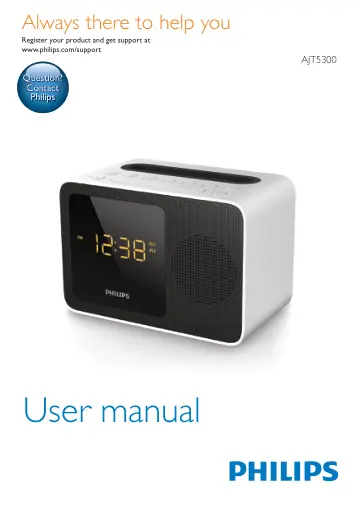
Philips Clock Radio AJT5300W/12 user manual
- Type
- User manual
- Language
- English
- Pages
- 18
- Category
- Radios
- Models
- AJT5300AJT5300W/12
Open PDFOpens the file on objects.icecat.biz.
Contents
- 1 Importantp. 4
Know these safety symbols This ‘bolt of lightning’ indicates uninsulated material within your unit may cause an electrical shock. For the safety of everyone in…
- 2 Your clock radiop. 5
Congratulations on your purchase, and welcome to Philips! To fully benefit from the support that Philips offers, register your product at…
- 3 Get startedp. 7
Always follow the instructions in this chapter in sequence. Install battery The batteries can only back up clock and alarm settings when AC power is…
- 4 Set time and alarmp. 8
Set time Note • You can only set time in standby mode. 1 Press and hold SET TIME for two seconds to activate time setting mode. » » The hour and minute digits…
- 5 Listen to FM radiop. 9
Prepare FM antenna For better reception, fully extend and adjust the position of the pig-tail antenna. Note • To prevent interference, position the antenna as…
- 6 Use Bluetooth devicesp. 10
With this clock radio, you can listen to audio from Bluetooth-enabled devices and control the incoming call through Bluetooth. Connect a device Note • Make…
- 7 Other featuresp. 12
Charge your phone With this clock radio, you can charge your phone through the USB socket. 1 Connect your phone and the clock radio with the charging cable of…
- 8 Specificationsp. 14
Note • Product information is subject to change without prior notice. Rated output power (Amplifier): 2.7W RMS @ 10% THD Acoustic frequency response: 200 Hz -…
- 9 Troubleshootingp. 15
Warning • Never remove the casing of this device. To keep the warranty valid, never try to repair the system yourself. If you encounter problems when using…
- 10 Noticep. 16
Any changes or modifications made to this device that are not expressly approved by Gibson Innovations may void the user’s authority to operate the equipment.…