Loading manual…
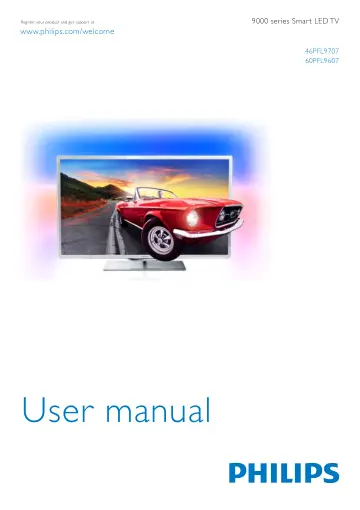
Philips Smart LED TV 46PFL9707S/12 user manual
- Type
- User manual
- Language
- English
- Pages
- 76
- Category
- TVs
- Models
- 46PFL9707S/12SVC1116G
Open PDFOpens the file on objects.icecat.biz.
Contents
- Tourp. 3
1.1 Smart TV Connect this Philips Smart LED TV to the Internet and discover a new world of television. You can make a wired connection to your router or you…
- Setting upp. 6
2.1 TV stand and wall mounting TV Stand The foot of the TV stand has the TV loudspeakers built-in. The TV stand offers a larger speakerbox for optimum sound…
- TVp. 21
3.1 Switch on Switch on and off Make sure you plugged in the mains power on the back of the TV before you switch on the TV. If the red indicator light is off…
- Watch satellitep. 41
4.1 Satellite channels Switch channels To watch satellite channels, press h, select Watch satellite and press OK. The TV tunes to the satellite channel you…
- 3Dp. 47
5.1 What you need This is a 3D Max TV. On this TV, you can watch 3D programmes and movies in full High Definition resolution with 3D Max. To watch 3D you need…
- Smart TVp. 50
6.1 Home menu From the Home menu, you can start any activity you can do with the TV. Open the Home menu to start watching TV or start watching a disc on your…
- Skypep. 61
7.1 What is Skype? With Skype™ you can make video calls on your TV for free. You can call and see your friends from anywhere in the world. Talk to your friends…
- Gamesp. 66
8.1 Play a game With a game console connected to the TV, you can play games on TV. Start a game Switch on the game console and press h, select the icon you…
- TV Specificationsp. 67
9.1 Environmental Saving energy Energy saving bundles the TV settings that help the environment. While you are watching TV channels, press * to open Eco…
- TV Softwarep. 70
10.1 Software version To view the current TV software version, press h, select S Setup and press OK. Select Software settings and press OK. Select Current…
- Supportp. 71
11.1 Register Register your TV and enjoy a range of benefits including full support (including downloads), privileged access to information about new products…
- Copyrights and licencesp. 72
12.1 HDMI HDMI® The terms HDMI and HDMI High-Definition Multimedia Interface, and the HDMI Logo are trademarks or registered trademarks of HDMI Licensing LLC…