Loading manual…
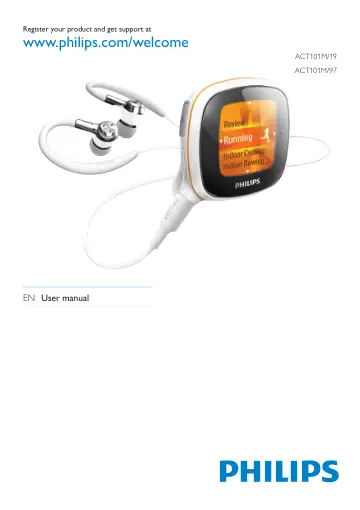
Philips ACT101M user manual
- Type
- User manual
- Language
- English
- Pages
- 43
- Models
- ACT101M
Open PDFOpens the file on documents.philips.com.
Contents
- 1 Important safety informationp. 5
General maintenance Caution To avoid damage or malfunction: • Do not expose the product to excessive heat • caused by heating equipment or direct sunlight. Do…
- 2 Your new Activap. 8
Move a b c d e f g h i EN 5 , , , Press to navigate through menus. Confirm selection 6 VOLUME Press repeatedly, or press and hold to reach the desired volume…
- 3 Get startedp. 13
Charge power As shown, connect Activa to a PC, • or a USB power adapter (not supplied) by using the supplied USB cable. scrolls during power charging. appears…
- 4 Movep. 17
Activa allows you to measure, monitor, and motivate you for your workout. The supplied software Philips Songbird helps you set and review your workout goals.…
- 5 Build your library for Activap. 26
On your PC, launch Philips Songbird. You can manage your device that contains workout data, music, and audio files. With Philips Songbird, you can Collect all…
- 6 Playp. 34
When not recording workout, you can play music/audio files, pictures, and FM radio on Activa. You can also use Activa for voice/ FM radio recording. From Home…
- 7 Settingsp. 37
Settings of fitness device In > [Move], select settings for the fitness device. [User profile] Set up/update your personal profile. On the supplied PC software…
- 8 Technical datap. 41
Power Playtime on internal battery: Up to 20 hours in workout mode (music + monitoring) Rechargeable: Yes, via USB Software Device manager: to restore and…
- 9 Troubleshootingp. 42
The screen does not respond when I press the key. Press • , and then to unlock the keys, if necessary; Charge the battery, if necessary; • If the steps above…