Loading manual…
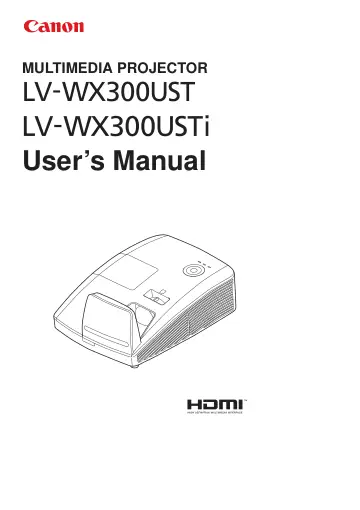
Canon WX300UST (0646C003) user manual
Open PDFOpens the file on objects.icecat.biz.
Contents
- Safety instructionsp. 7
Before installing and operating the projector, read this manual thoroughly. This projector provides many convenient features and functions. Operating the…
- Getting Startedp. 17
Packing Checklist Carefully unpack the projector and check that the following items are included: LV-WX300UST LV-WX300USTI REMOTE CONTROL (WITH ONE 3V CR2025…
- Setup and Operationp. 25
Inserting the Remote Control Batteries 1. Remove the battery compartment cover by sliding the cover in the direction of the arrow (A). Pull out the cover (B)..…
- On-Screen Display (OSD) Menu Settingsp. 31
OSD Menu Controls The projector has an OSD that lets you make image adjustments and change various settings. Navigating the OSD You can use the remote control…
- Maintenance and Securityp. 58
Replacing the Projection Lamp The projection lamp should be replaced when it burns out. It should only be replaced with a certified replacement part, which you…
- Troubleshootingp. 63
Tips for Troubleshooting In each problem-specific section, try the steps in the order suggested. This may help you to solve the problem more quickly. Try to…
- Specificationsp. 66
Product Specifications Model name LV-WX300UST / LV-WX300USTi Display system 1chip DLP system Optical system Time division color extraction, sequential display…
- Appendix Ip. 72
Communication Baud rate: 9600 Data bit: 8 Parity check: None Stop bit: 1 Flow Control None Control Command Structure The command is structured by the Header…