Loading manual…
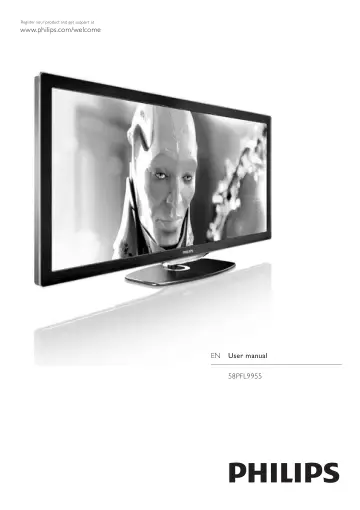
Philips LED TV 58PFL9955H/12 user manual
- Type
- User manual
- Language
- English
- Pages
- 98
- Category
- TVs
- Models
- 58PFL9955H/12
Open PDFOpens the file on objects.icecat.biz.
Contents
- To beginp. 5
TV tour Cinema 21:9 This Cinema 21:9 TV perfectly matches the original movie format and is equipped with a full High Definition (HD) display. A full HD…
- Use your TVp. 21
Remote control Overview 1 Standby O To switch the TV on or back to standby. 2 Home h To open or close the Home menu. 3 Navigation key To navigate up, down…
- More onp. 43
Text Text pages Open Text To open Text, while watching TV, press e (Browse) and select Text. To close Text, press b (Back). Select a Text page To select a page…
- Setupp. 51
Picture, Sound, Ambilight Smart settings You can adjust each Smart setting with the settings in Picture or Sound in Setup, TV settings. Adjust the brightness…
- Connectionsp. 62
First connections Power cable Insert the power cable in the power socket of the TV. When disconnecting the power cable, always pull the plug, never the cable.…
- Troubleshootingp. 80
Contact information If the advice and suggestions in Troubleshooting do not help resolve the problem, try switching the TV off and back on again. Warning If…
- Specificationsp. 87
Software Software version To view the current TV software version, press h > Setup > Software settings and press OK. Select Current software info and read…