Loading manual…
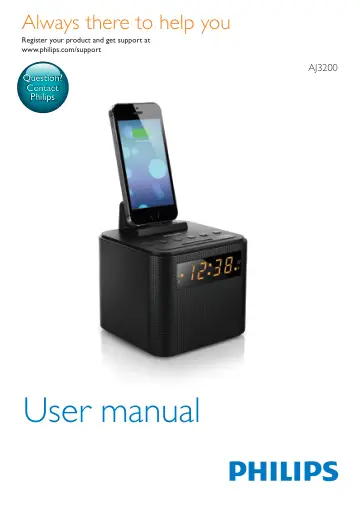
Philips Clock Radio AJ3200/12 user manual
Open PDFOpens the file on objects.icecat.biz.
Contents
- 1 Importantp. 3
Warning • Never remove the casing of this clock radio. • Never lubricate any part of this clock radio. • Never place this clock radio on other electrical…
- 2 Your clock radiop. 4
EN Overview of the clock radio a Dock for charging mobile devices b SOURCE • Turn on the clock radio. • Switch the clock radio to standby mode. • Select FM…
- 3 Get startedp. 6
- 4 Listen to FM radiop. 8
EN Set alarm timer You can set two alarms to ring at different time. Note • You can only set the alarm in standby mode. • Make sure that you have set the clock…
- 5 Other featuresp. 9
- 1 Importantp. 3
- 2 Your clock radiop. 3
Congratulations on your purchase, and welcome to Philips! To fully benefit from the support that Philips offers, register your product at…
- 3 Get startedp. 5
Always follow the instructions in this chapter in sequence. Install battery The batteries can only back up clock and alarm settings when AC power is…
- 4 Listen to FM radiop. 6
Note • Keep the clock radio away from other electronic devices to avoid radio interference. • For better reception, fully extend and adjust the position of the…
- 5 Other featuresp. 7
Charge your mobile devices With this clock radio, you can charge your Android-powered mobile phone with a micro USB socket and Apple devices with a lightning…
- 6 Product informationp. 9
Note • Product information is subject to change without prior notice. Specifications Amplifier Total Output Power 500 mW Tuner (FM) Tuning Range 87.5-108 MHz…
- 7 Troubleshootingp. 9
Warning • Never remove the casing of this device. To keep the warranty valid, never try to repair the system yourself. If you encounter problems when using…
- 8 Noticep. 10
Any changes or modifications made to this device that are not expressly approved by Gibson Innovations may void the user’s authority to operate the equipment.…