Loading manual…
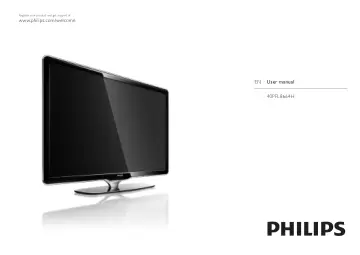
Philips LCD TV 40PFL8664H/12 user manual
- Type
- User manual
- Language
- English
- Pages
- 227
- Category
- TVs
- Models
- 40PFL8664H/12
Open PDFOpens the file on objects.icecat.biz.
Contents
- 1 Getting startedp. 3
1.1.1 Register your TV Congratulations on your purchase and welcome to Philips. Register your TV and enjoy a range of benefits including full support…
- 2 Use your TVp. 38
2.1.1 Remote control overview 1/6 1 Standby O To switch the TV on or back to standby. 2 Home h To open or close the Home menu. 3 Guide g To open or close the…
- 3 More onp. 84
3.1.1 Select a teletext page Most TV channels broadcast information through teletext. While watching TV, press Teletext. To exit teletext, press Teletext…
- 4 Setupp. 115
4.1.1 Smart settings You can set the TV to the predefined setting that is best for what you're watching at the moment. Each setting combines picture, sound and…
- 5 Connectionsp. 154
5.1.1 Power cable Make sure the power cable is securely inserted in the TV. Make sure that the power plug in the wall socket is accessible at all times. When…
- 6 Troubleshootingp. 203
6.1 Contact information Warning If your TV breaks down, NEVER try to repair the TV yourself. If the advice and suggestions in Troubleshooting do not help…
- 7 Technical datap. 215
7.1 Power and reception Product specifications are subject to change without notice. For more specification details of this product see…