Loading manual…
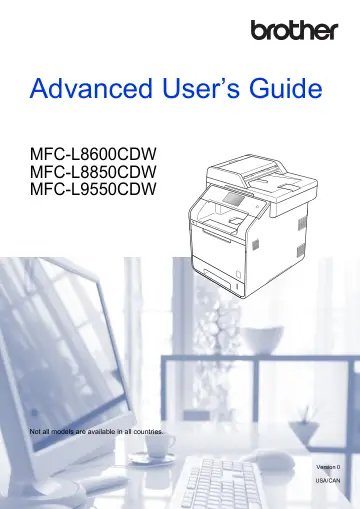
Brother MFC-L8850CDW user manual
- Type
- User manual
- Language
- English
- Pages
- 108
- Category
- Printers
- Models
- MFC-L8850CDW
Open PDFOpens the file on objects.icecat.biz.
Contents
- User’s Guides and where do I find them?p. 2
Visit http://solutions.brother.com/. Which Guide? What’s in it? Where is it? Product Safety Guide Read this Guide first. Read the Safety Instructions before…
- 1 General Setupp. 7
1 1 NOTE • This manual shows the LCD messages of the MFC-L9550CDW unless specified. • Most of the illustrations in this User’s Guide show the MFC-L8850CDW.…
- 2 Security featuresp. 15
2 2 Secure Function Lock 3.0 2 Secure Function Lock lets you restrict Public access to the following machine operations: Fax TX (Fax Sending) Fax RX (Fax…
- 3 Sending a faxp. 25
3 3 Additional sending options 3 Sending faxes using multiple settings 3 Before you send a fax, you can change any combination of these settings: 2-sided Fax…
- 4 Receiving a faxp. 38
4 Memory Receive Options 4 Memory Receive lets you receive faxes while you are away from the machine. You can use only one Memory Receive option at a time…
- 5 Dialing and storing numbersp. 48
5 Telephone line services 5 Tone or Pulse (Canada only) 5 If you have a Pulse dialing service, but must send Tone signals (for example, for telephone banking)…
- 6 Printing reportsp. 54
6 Fax reports 6 Press on the Touchscreen to set up the Transmission Verification Report and the Journal Period. Transmission Verification Report 6 You can use…
- 7 Making copiesp. 57
7 7 Copy settings 7 You can change the copy settings for the next copy. These settings are temporary. The machine returns to its default settings one minute…
- A Routine maintenancep. 69
A A Cleaning and checking the machine A Clean the outside and inside of the machine regularly with a dry, lint-free cloth. When you replace the toner cartridge…
- B Optionsp. 96
B This machine has the following optional accessories. You can increase the capabilities of the machine with these items. Options B Lower tray unit SO-DIMM…
- C Glossaryp. 100
C This is a comprehensive list of features and terms that appear in Brother manuals. Availability of these features depends on the model you purchased.…