Loading manual…
Samsung UE32K5100AK (UE32K5100AKXZT) user manual
- Type
- User manual
- Language
- English
- Pages
- 114
- Category
- TVs
- Models
- UE32K5100AKXZT
Open PDFOpens the file on objects.icecat.biz.
Contents
- Channel Settingp. 1
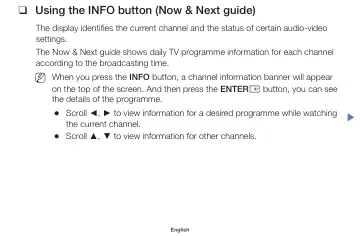
• ❑ ❑Using the INFO button (Now & Next guide) The display identifies the current channel and the status of certain audio-video settings. The Now & Next guide…
- Basic Featuresp. 36
◀ • ❑ ❑Changing the Preset Picture Mode • • Picture Mode t O O MENUm → Picture → Picture Mode → ENTERE Select your preferred picture type. N N When connecting…
- Preference Featuresp. 63
◀ • ❑ ❑Executing initial setup • • Setup O O MENUm → System → Setup → ENTERE Configure the channels and the time when setting up the TV for the first time or…
- Advanced Featuresp. 82
◀ • ❑ ❑Using the Source List • • Source List O O MENUm → Applications → Source List → ENTERE N N When you press the SOURCE button, Source screen will be…
- Other Featuresp. 101
◀ • ❑ ❑Viewing the e-Manual • • e-Manual O O MENUm → Support → e-Manual → ENTERE You can read the introduction and instructions about the TV features stored in…