Loading manual…
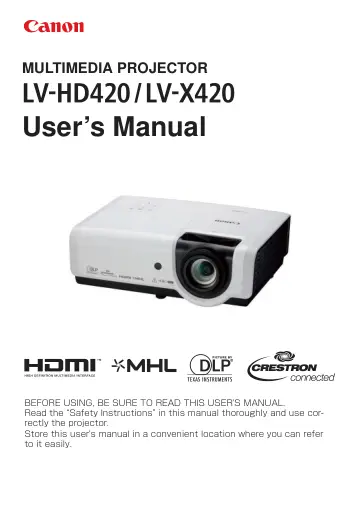
Canon LV-HD420 (1905C003) user manual
- Type
- User manual
- Language
- English
- Pages
- 87
- Category
- Projectors
- Models
- 1905C003
Open PDFOpens the file on objects.icecat.biz.
Contents
- For Safe Usep. 13
Take the following precautions when carrying or transporting the projector. • This projector is a precision instrument. Do not knock it over or subject it to…
- Getting Startedp. 16
Packing Checklist Carefully unpack the projector and check that the following items are included: PROJECTOR REMOTE CONTROL (WITH ONE CR2025 BATTERY) RGB…
- Setup and Operationp. 24
Inserting the Remote Control Batteries 1. Remove the battery compartment cover by sliding the cover in the direction of the arrow (A). Pull out the cover (B)..…
- On-Screen Display (OSD) Menu Settingsp. 32
OSD Menu Controls The projector has an OSD that lets you make image adjustments and change various settings. Navigating the OSD You can use the remote control…
- Maintenance and Securityp. 64
Replacing the Projection Lamp This projector uses the following lamps. Replacement Lamp LV-LP42 Contact the Canon Customer Support Center when purchasing a…
- Troubleshootingp. 70
Common problems and solutions These guidelines provide tips to deal with problems you may encounter while using the projector. If the problem remains unsolved…
- Specificationsp. 74
Model name LV-HD420 LV-X420 Display system 1-chip DLP™ Optical system Time division color extraction, sequential display Display device Effective display area…
- Regulatory Compliancep. 81
FCC Warning This equipment has been tested and found to comply with the limits for a Class B digital device pursuant to Part 15 of the FCC Rules. These limits…
- Appendix Ip. 82
RS-232 Protocol RS232 Setting Baud rate: 9600 Parity check: None Data bit: 8 Stop bit: 1 Flow Control None Minimum delay for next command: 1ms Control Command…