Loading manual…
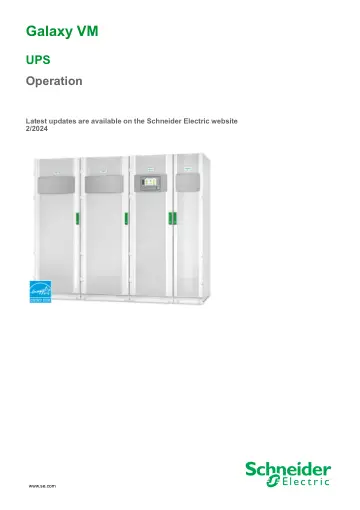
APC Galaxy VM Dust Filter Kit Wide Power Cabinet (GVMDFW-KIT) user manual
- Type
- User manual
- Language
- English
- Pages
- 72
- Models
- GVMDFW-KIT
Open PDFOpens the file on objects.icecat.biz.
Contents
- Important Safety Instructions — SAVE THESE INSTRUCTIONSp. 5
Read these instructions carefully and look at the equipment to become familiar with it before trying to install, operate, service or maintain it. The following…
- Overview of UPS User Interfacep. 7
Display Model 1 Display Model 2 A. Display1 B. Status LEDs C. Mimic diagram D. Inverter ON button E. Inverter OFF button F. USB port for export of logs G.…
- Operation Modesp. 12
The Galaxy UPS has two different levels of operation mode: • UPS Operation Mode: The operation mode of the operated UPS. See UPS Modes, page 12. • System…
- Configurationp. 18
Add a New User or Edit an Existing User 1. From the home screen on the display select Configuration > Display > Security. 2. Select Add User to add a new user…
- Operation Proceduresp. 35
Access Password-Protected Screens 1. When prompted for the password, select your username. 2. Type in the pin code for your username. NOTE: The default pin…
- Maintenancep. 54
User-Replaceable Parts Part Replacement Procedure Filter Kit (GVMDFW-KIT) • Replace the Top Filter, page 54 • Replace the Three Bottom Filters, page 55 Replace…
- Troubleshootingp. 56
via the Mimic Diagram LEDs The mimic diagram shows the status of the main functions and the energy flow supplying the load. The different LEDs are either…