Loading manual…
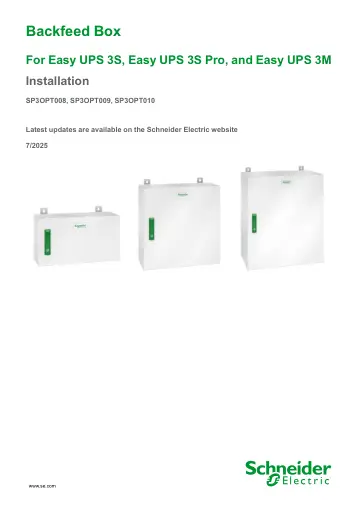
APC Installation (SP3OPT008) user manual
Open PDFOpens the file on objects.icecat.biz.
Contents
- Important Safety Instructions — SAVE THESE INSTRUCTIONSp. 5
Read these instructions carefully and look at the equipment to become familiar with it before trying to install, operate, service or maintain it. The following…
- Safety Precautionsp. 6
DANGER HAZARD OF ELECTRIC SHOCK, EXPLOSION, OR ARC FLASH Read all instructions in the installation manual before installing or working on this product. Failure…
- Specificationsp. 9
NOTICE HAZARD OF EQUIPMENT DAMAGE Refer to the UPS installation manual for detailed specifications for the UPS system. Failure to follow these instructions can…
- Backfeed Contactor Specificationsp. 9
DANGER HAZARD OF ELECTRIC SHOCK, EXPLOSION OR ARC FLASH The SP3OPT008, SP3OPT009, and SP3OPT010 must only be used with the UPSs listed in the compatibility…
- Recommended Upstream Protectionp. 10
Refer to the UPS installation manual for recommended upstream protection
- Recommended Cable Sizesp. 10
NOTE: Aluminum cables are not supported. Refer to the UPS installation manual for recommended cable sizes
- Recommended Bolt and Lug Sizesp. 10
- Torque Specificationsp. 11
- Backfeed Box Weights and Dimensionsp. 11
- Environmentp. 11
- Installation Procedurep. 12
Single Mains System Dual Mains System 1. Mount the Backfeed Box to the Wall, page 13. 2. Prepare the Backfeed Box for Cables, page 15. 3. Connect the Input…
- Mount the Backfeed Box to the Wallp. 13
CAUTION RISK OF INJURY OR EQUIPMENT DAMAGE • Mount the backfeed box to a wall or a rack that is structurally sound and able to support the weight of the unit.…
- Prepare the Backfeed Box for Cablesp. 15
DANGER HAZARD OF ELECTRIC SHOCK, EXPLOSION, OR ARC FLASH Do not drill or punch holes for cables or conduits with the gland plates installed, and do not drill…
- Connect the Input Power Cables to the Input Backfeed Boxp. 17
1. Connect the PE cables. 2. Connect the UPS input cables (L1, L2, L3, N). 3. Connect the input cables (L1, L2, L3, N). 4. Reinstall the front plate with the…
- Connect the Bypass Power Cables to the Bypass Backfeed Box for 3:1 System (Dual Mains System Only)p. 19
NOTE: Follow the UPS installation manual to remove the single mains busbars in the UPS. 1. Connect the PE cables. 2. Connect the UPS bypass cables (L1, N). 3.…
- Connect the Bypass Power Cables to the Bypass Backfeed Box for 3:3 System (Dual Mains System Only)p. 21
- Backfeed Box One Line Drawingp. 23
Instruction to end user as follows: a) Easy UPS backfeed box having a rated conditional short-circuit current and not exceeding 10 kA r.m. s. b) Easy UPS…