Loading manual…
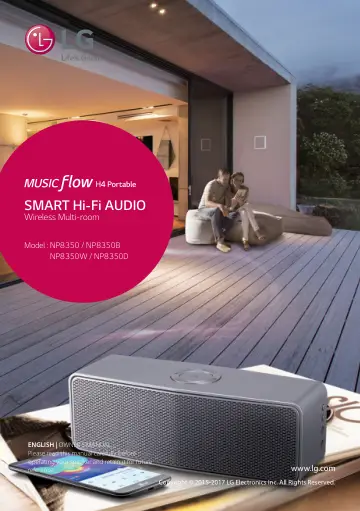
LG ENGLISH | OWNER’S MANUAL (NP8350) user manual
- Type
- User manual
- Language
- English
- Pages
- 56
- Category
- Speakers
- Models
- NP8350
Open PDFOpens the file on gscs-b2c.lge.com.
Contents
- 1 Getting Startedp. 2
- 2 Connectingp. 8
Connecting 8 Connecting 2 Charging the Unit This unit uses built-in battery. Before using it, charge the battery by connecting the AC Adapter. Only use the AC…
- 3 Operatingp. 28
Operating 28 Operating 3 Basic Operations Using 1/! button Power On Press the 1/! button. Standby mode Press and hold the 1/! button for 5 seconds. (page 44)…
- 4 Troubleshootingp. 46
General Symptoms Cause & Solution The unit does not work properly. yy Turn off the power of this unit and the connected external device (TV, Woofer…
- 5 Appendixp. 49
Appendix 49 Appendix 5 File requirement Available File extensions : “.mp3”, “.wma”, “.flac”, “.m4a”, “.aac”, “.ogg”, “.wav” Sampling frequency : within 32 to…