Loading manual…
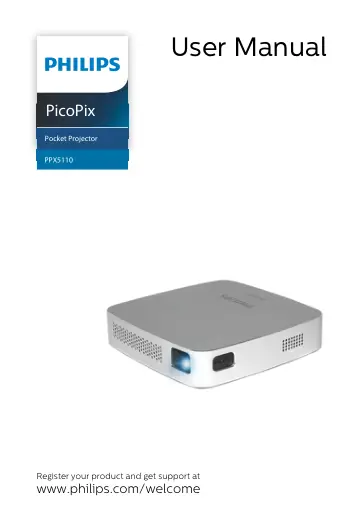
Philips Mobile projector PPX5110/INT user manual
- Type
- User manual
- Language
- English
- Pages
- 22
- Category
- Projectors
- Models
- PPX5110PPX5110/INT
Open PDFOpens the file on objects.icecat.biz.
Contents
- Introductionp. 3
Dear customer Thank you for purchasing this projector. We hope you enjoy your device and its many functions! About this user manual With the quick start guide…
- 1 General safety informationp. 4
Do not make any changes or settings that are not described in this user manual. Physical injury, damage to the device or loss of data can result from improper…
- 2 Overviewp. 6
Back and bottom view 1 – Tripod socket 2 – On/Off/charging LED The blue charging LED blinks during charging. If the projector is fully charged the LED stops…
- 3 Initial operationp. 7
Setting up the device Place the projector on a flat surface in front of the projection surface. Connecting power supply Always use the B button to turn on and…
- 4 Connect to playback devicep. 8
Connecting to devices with HDMI output Use a HDMI to mini HDMI cable to connect the projector to a Blu-ray player, gaming console, camcorder or digital camera…
- 5 Wireless projection with Miracast- compatible Android devicesp. 9
Wireless projection with Miracast-compatible Android devices 9 5 Wireless projection with Miracastcompatible Android devices In order to allow Screen…
- 6 Projection with iOS devicesp. 10
This function has been tested with iOS 11. Other types and models may vary. Wireless Screen Mirroring Not all content can be shared between the iPhone and the…
- 7 Connecting the phone to the Wi-Fi network created by the projectorp. 13
Enter the IP address 192.168.49.1 in the browser address of your smartphone to set up the wire less environment. This will enable smartphone internet browsing…
- 8 Servicep. 15
Care instructions for the battery The capacity of the built-in battery diminishes with time. You can prolong the life of the battery if you observe the…
- 9 Appendixp. 19