Loading manuals…
JBL JBLSTRMTALKBLK manual
Microphones
1 document
What's in the JBL JBLSTRMTALKBLK user manual
From JBL JBLSTRMTALKBLK user manual · 15 pages · English. Tap a section to open the PDF at its page.
- Introductionp. 3
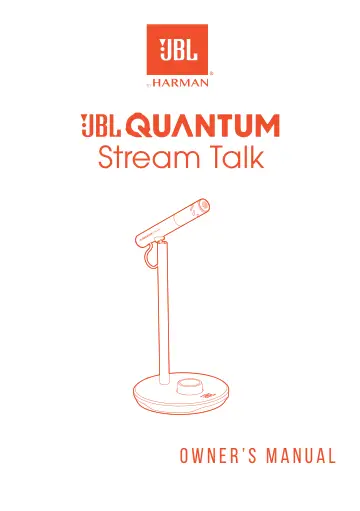
Congratulations on your purchase! This manual includes information on the JBL Quantum Stream Talk microphone. We encourage you to take a few minutes to read…
- What’s in the boxp. 4
03 02 01 JBL Quantum Stream Talk microphone 02 USB power cable (USB-A to USB-C) 03 QSG, warranty card and safety sheet
- Product overviewp. 5
02 03 04 05 01 Ring LED (Mute/Unmute/Volume Indicator) 02 Rotary joint 03 Volume knob • Adjusts headphone volume or microphone gain. • Mutes or unmutes the…
- Getting startedp. 6
System compatibility • PC and Mac (desktop or laptop) with USB-A or USB-C ports • Mobile devices with USB-C ports • PlayStation™: PS4/PS5 console with USB-A…
- System compatibilityp. 6
PC and Mac (desktop or laptop) with USB-A or USB-C ports • Mobile devices with USB-C ports • PlayStation™: PS4/PS5 console with USB-A port • Nintendo Switch™…
- Connecting USB power cablep. 6
* * 1. Connect the USB-C connector to your microphone. 2. Connect the USB-A connector to your PC, Mac, PS4/PS5 console or Nintendo Switch™ console. • You can…
- Connecting a monitoring headphonep. 7
3.5 mm 3.5 mm 2.5 mm * 1. Connect a 3.5mm to 3.5mm cable or a 3.5mm to 2.5mm cable to the headphone port on the microphone. 2. Connect the other end to a…
- First-time setup for PCp. 8
Download from www.jblquantum.com/engine to gain full access to features on your JBL Quantum Stream Talk, such as EQ settings. Software requirements Platform…
- First-time setup for Macp. 9
1. Connect the microphone to your Mac via USB connection. 2. Go to the Apple menu and select “System Preferences”. 3. Under “Output” select “JBL Quantum Stream…
- Using your microphonep. 10
Mute/unmute × 1 Press the volume knob to mute or unmute the microphone. Ring LED color Microphone status Muted Unmuted
- Mute/unmutep. 10
× 1 Press the volume knob to mute or unmute the microphone. Ring LED color Microphone status Muted Unmuted
- Headphone volume/microphone gainp. 11
+ >3s To adjust the headphone or sidetone volume: • Rotate the volume knob clockwise or counterclockwise. The ring LED lights up in teal when you adjust the…
- Product Specificationsp. 12
- Troubleshootingp. 13
If you have problems using this product, check the following points before you request service. No power • Make sure that the microphone is properly connected…