Loading manuals…
Gigabyte Z790 AORUS ELITE (REV. 1.0) manual
Motherboards
1 document
What's in the Gigabyte Z790 AORUS ELITE (REV. 1.0) user manual
From Gigabyte Z790 AORUS ELITE (REV. 1.0) user manual · 29 pages · English. Tap a section to open the PDF at its page.
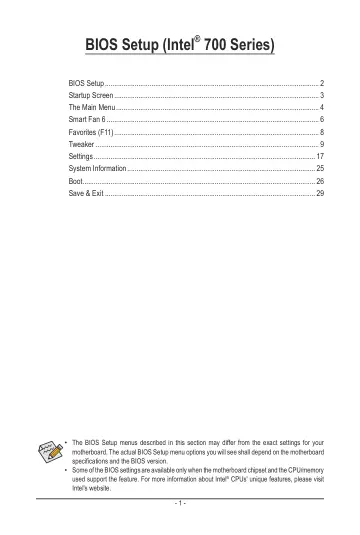
- BIOS Setupp. 2
program that allows the user to modify basic system configuration settings or to activate certain system features. When the power is turned off, the battery on…
- Startup Screenp. 3
The following startup Logo screen will appear when the computer boots. (The screen may vary from motherboards.) Function Keys: <DEL>: BIOS SETUP\Q-FLASH Press…
- The Main Menup. 4
Advanced Mode The Advanced Mode provides detailed BIOS settings. You can press the arrow keys on your keyboard to move among the items and press <Enter> to…
- Smart Fan 6p. 6
- Favorites (F11)p. 8
- Tweakerp. 9
& & CPU Upgrade Allows you to set the CPU frequency. The final result may vary depending on the CPU used. Options are: Default, Gaming Profile, Advanced…
- Settingsp. 17
& & PEG ASPM Allows you to configure the ASPM mode for the device connected to the CPU PEG bus. & & PCH ASPM Allows you to configure the ASPM mode for the…
- System Informationp. 25
This section provides information on your motherboard model and BIOS version. You can also select the default language used by the BIOS and manually set the…
- Bootp. 26
& & Bootup NumLock State Enables or disables Numlock feature on the numeric keypad of the keyboard after the POST. & & CFG Lock Enables or disables the MSR…
- Save & Exitp. 29
& & Save & Exit Setup Press <Enter> on this item and select Yes. This saves the changes to the CMOS and exits the BIOS Setup program. Select No or press <Esc>…