Loading manuals…
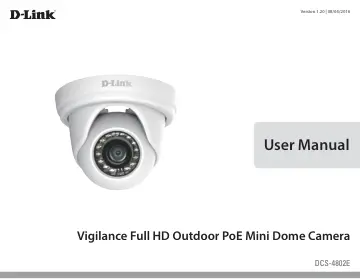
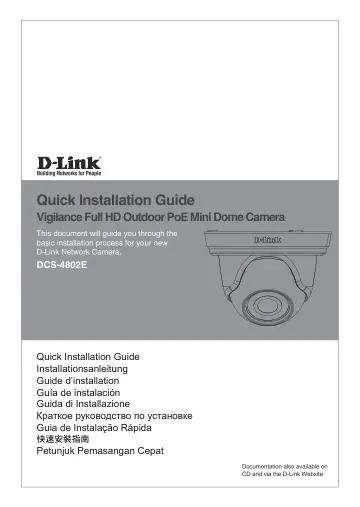
D-Link DCS-4802E manual
Security cameras
2 documents
What's in the D-Link DCS-4802E user manual
From D-Link DCS-4802E user manual · 73 pages · English. Tap a section to open the PDF at its page.
- Introductionp. 5
Congratulations on your purchase of the DCS-4802E Vigilance Full HD Outdoor PoE Mini Dome Camera. The DCS-4802E is a professional surveillance and security…
- System Requirementsp. 5
- Featuresp. 6
The DCS-4802E works with any 10/100 Ethernet network, making the DCS-4802E easy to integrate into your existing network environment. Advanced Event Management…
- Hardware Overviewp. 7
Light Sensor Detects lighting conditions 2 Camera Lens Fixed lens to record video of the surrounding area 3 IR LEDs Provide illumination for low-light…
- Installationp. 8
Connecting the Camera You can power the DCS-4802E two different ways: through PoE or through a power adapter. Powering the camera through PoE (Class 2)…
- Connecting the Camerap. 8
You can power the DCS-4802E two different ways: through PoE or through a power adapter. Powering the camera through PoE (Class 2): Connect an Ethernet cable to…
- Mounting the Camerap. 9
It is highly recommended that you configure and test your camera before mounting it. Step 1 Place the mounting sticker where you want to position the camera.…
- Software Installationp. 18
- Configurationp. 21
Using the Configuration Interface After completing the Camera Installation Wizard, you are ready to use your camera. The camera’s built-in Web configuration…
- Using the Configuration Interfacep. 21
After completing the Camera Installation Wizard, you are ready to use your camera. The camera’s built-in Web configuration utility is designed to allow you to…
- Live Videop. 23
This section shows your camera’s live video. You may select any of the available icons listed below to operate the camera. You may also select your language…
- Setupp. 25
Wizard To configure your Network Camera, click Internet Connection Setup Wizard. Alternatively, you may click Manual Internet Connection Setup to manually…
- Advancedp. 49
ICR and IR Here you can configure the ICR and IR settings. The IR (Infrared) Cut-Removable (ICR) filter can be disengaged for increased sensitivity in low…
- Maintenancep. 54
Device Management You may modify the name and administrator’s password of your camera, as well as add and manage the user accounts for accessing the camera.…
- Statusp. 57
Device Info This page displays detailed information about your device and network connection.
- Technical Specificationsp. 60
Camera Camera Hardware Profile 1/3" 2 Megapixel progressive CMOS sensor 20 meter IR illumination distance Minimum illumination: 0 lux with IR LED on…
- Regulatory Informationp. 63
Federal Communication Commission Interference Statement: This equipment has been tested and found to comply with the limits for a Class A digital device…